 BikeRight
 Go for a Walk
Pick a distance or a time and get three routes you've never run, each starting and ending right where you're standing.
Download on the App Store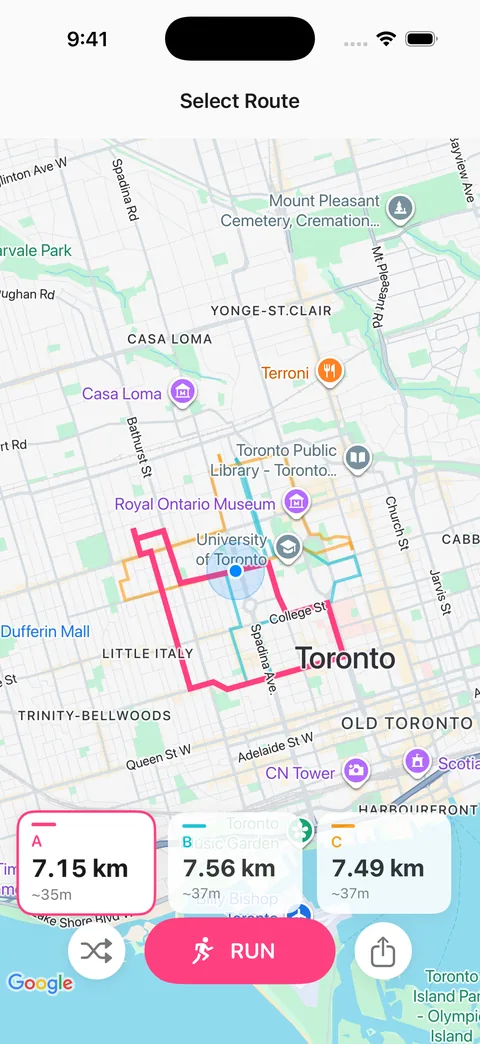
Every run is a new route — no repeats, no history, and no algorithm deciding what you usually do.
Pick a distance or a time and get three routes you've never run, each starting right where you stand. Tap the one you like.
Turn-by-turn directions on your phone, or on your wrist with no phone at all.
If you've connected Strava, the run uploads on its own when you finish. It's optional: turn it on once, off again whenever.
Connect Apple Health and route timing is based on your own pace, so a 30-minute route really takes you 30 minutes.
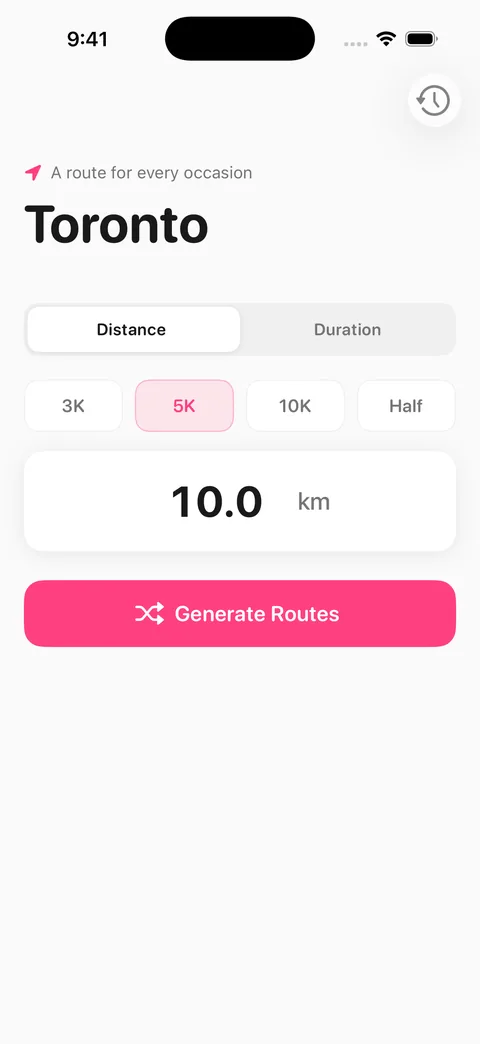
5 km, 30 minutes — whatever fits your day.
Pick whichever one catches your eye, or ask for three more.
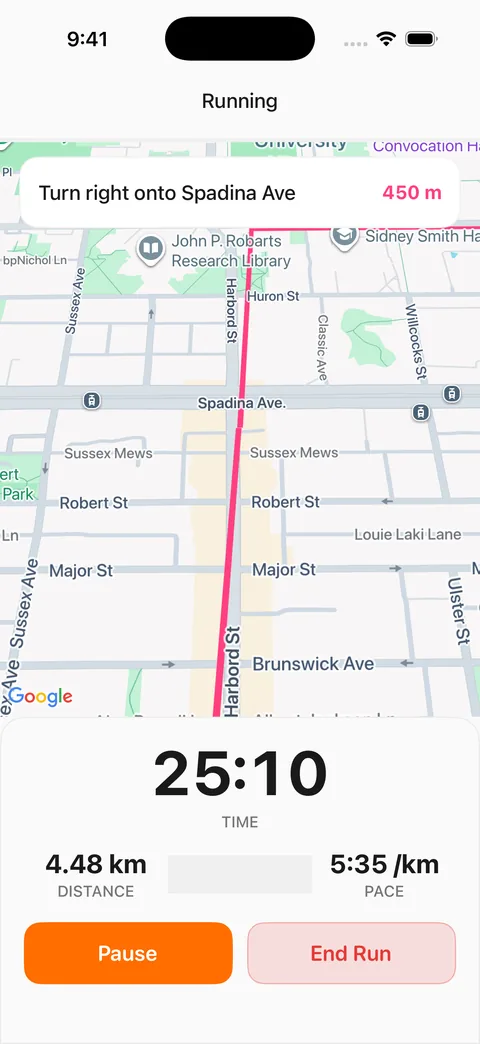
Follow a brand-new route without stopping to check the map.
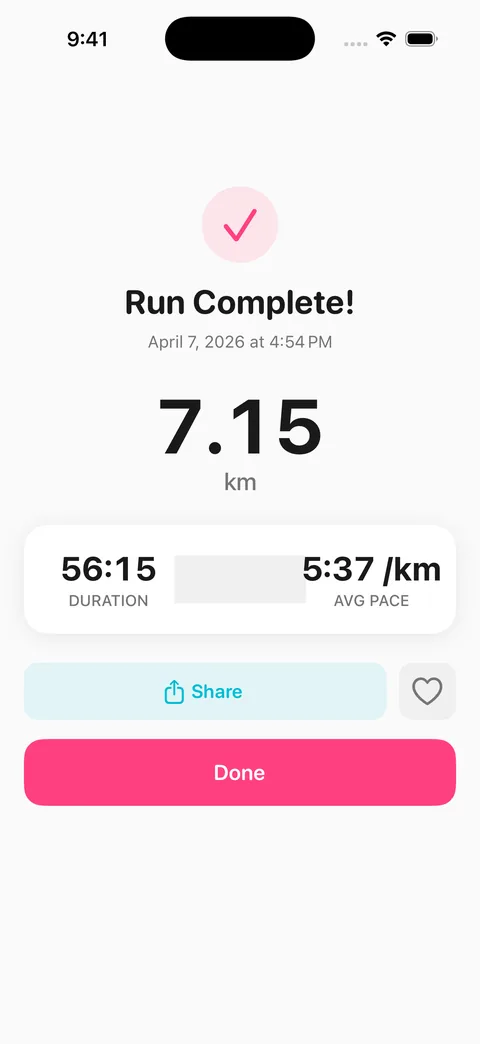
Your time, distance, and pace, all in one place.
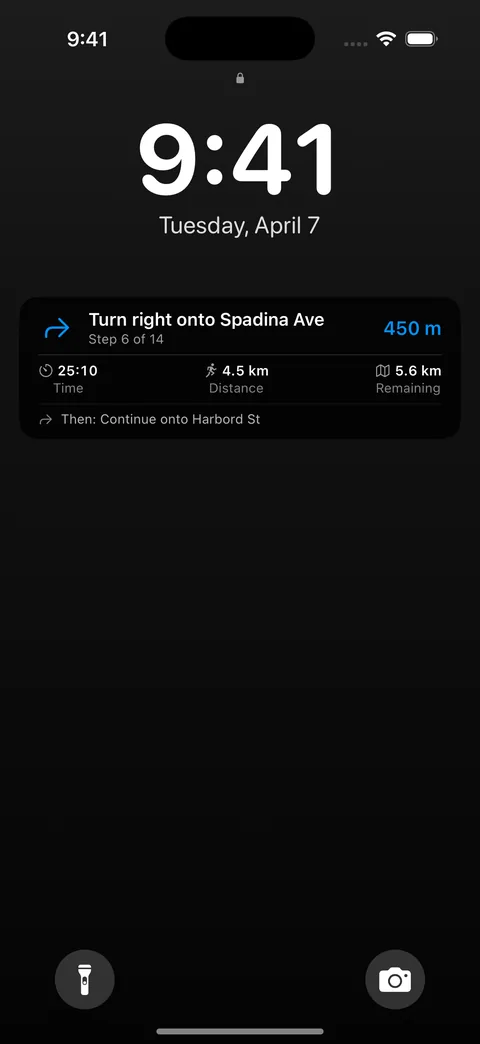
Track your run from the Lock Screen.
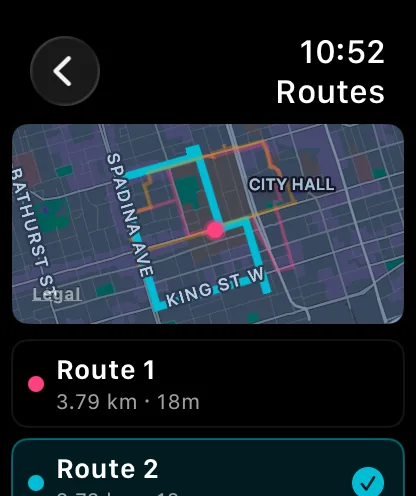
Random Run works on its own on Apple Watch, so you can generate a route, follow it turn by turn, and track the whole run without your phone.
The phone can stay at home.
Works standalone on Apple Watch Series 6 and later, or from your phone whenever you'd rather.
Connect Strava once and every run after that uploads on its own, whether you ran with your wrist or your phone.
It's off by default and one tap to turn off again. Nothing leaves your phone unless you say so.
Strava integration is fully optional and disabled on first launch.
Connect Strava once and every run uploads automatically. No extra steps when you finish.
No account. No tracking. No ads.
Your location never leaves your phone. Open the app and go.
Plan a route from any starting point, bring back a favourite run in one tap, and let automatic rerouting handle wrong turns and closed roads.
Galloway-style run/walk intervals with voice and haptic cues, on iPhone and Apple Watch. Set your intervals once and the app handles the switching.
Version 2.0 guarantees loop routes that never retrace a street — no out-and-backs, no doubling back. And they generate faster than ever.
Yes, completely free. There are no subscriptions, in-app purchases, or ads, and every feature is included from day one.
Yes. Random Run runs on its own on Apple Watch, so you can generate routes, follow the turn-by-turn directions, and track the whole run from your wrist without bringing your phone along.
Yes. There's an optional Strava integration on both iPhone and Apple Watch. It's off by default; once you turn it on, every finished run uploads automatically, and you can turn it back off anytime.
Your location and your routes never leave your device. Route generation happens locally, and there are no accounts or ad tracking. We do collect anonymous, aggregated usage signals (like how many people finish onboarding) through TelemetryDeck, with no identifiers, GPS, or route data attached. Strava integration is optional and off by default. Our privacy policy has the full details.
Not yet. Random Run is iOS only for now, but if you'd like an Android version, let us know — knowing people want it helps us decide what to build next.
You tell Random Run how far or how long you want to run, and it generates three loop routes that start and end at your current location. Since version 2.0, every route is a true loop that never retraces a street, so you won't get an out-and-back in disguise. If you connect Apple Health, route timing is based on your own running pace.
Yes. Connect Strava once in Settings and every finished run uploads on its own. Your phone sends runs directly to Strava, so we never see them, and you can disconnect anytime from Settings or from Strava's app permissions page.
Yes. There are built-in Galloway-style run/walk intervals: set your run and walk durations, and the app announces each switch with a voice cue and a haptic tap on both iPhone and Apple Watch. The interval cues are timed so they don't talk over the turn-by-turn voice guidance.
Yes. Pick any starting point on the map (a hotel, an office, a trailhead) and Random Run generates loop routes from there. It's handy for planning tomorrow's run the night before, especially when you're travelling.
The app notices when you've drifted off course and reroutes you back to your loop, updating the map, directions, and voice guidance as it goes. If a road is closed or you just want a different way home, the Detour button builds an alternate path back to your start.
Our apps are iOS only for now. If you're on Android and want them, send us a note — knowing people are waiting helps us plan what comes next.